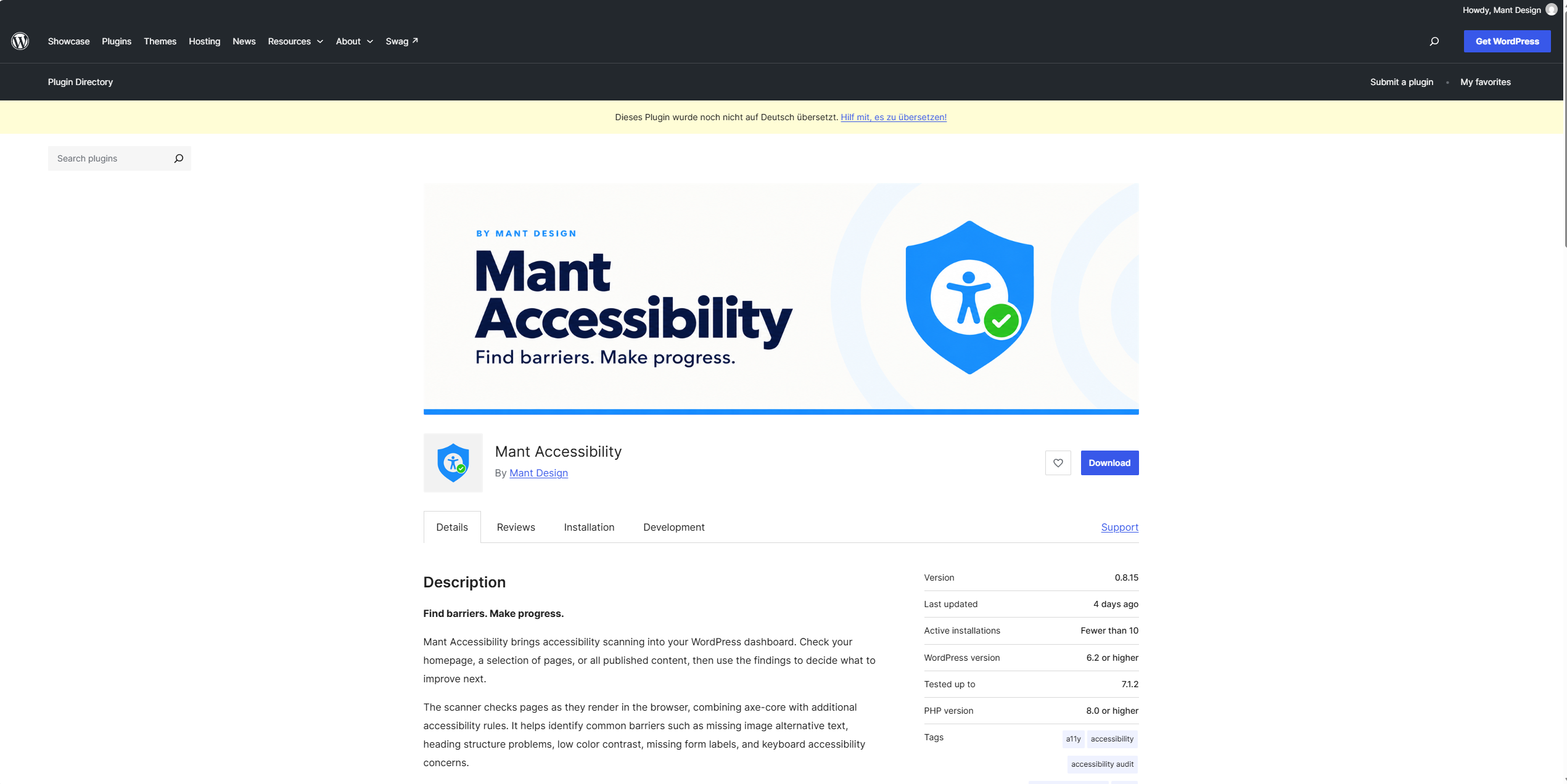
I am happy to share that Mant Accessibility is now available in the official WordPress.org plugin directory.
This started with a simple question: how can website owners find accessibility problems without leaving WordPress or needing a complicated setup? The answer became Mant Accessibility, a practical tool for checking pages, understanding the findings, and deciding what to work on next.
A quick tour
I recorded a short video to show how the plugin works inside the WordPress dashboard. It covers the main screens, the scanner, the dashboard, the issues list, and the settings that let you enable focused improvements.
What Mant Accessibility checks
The plugin scans rendered pages and helps identify common barriers, including missing image alternative text, heading structure problems, low color contrast, missing form labels, and keyboard accessibility concerns.
You can start with the homepage, select specific pages, or scan all published content. After the scan, the dashboard gives you a quick overview of the score, issue count, and severity. The issues screen then gives you more context, including the affected page, selector, explanation, and suggested direction for fixing the problem.
The goal is not to turn accessibility into a long list of warnings. It is to give you a useful place to begin.
Improvements are a process
Accessibility is not something a scanner can finish on its own. Some problems need a content change, some need a theme or plugin change, and some need human testing with a keyboard, screen reader, or other assistive technology.
That is why Mant Accessibility focuses on clear findings and a repeatable workflow: scan, review, make a change, and scan again. The optional front-end helpers can support selected improvements such as skip links, visible keyboard focus, mobile zoom, and common label issues, but they should still be tested with your theme and content.
Try it on your website
You can install Mant Accessibility free from the WordPress dashboard by going to Plugins, selecting Add New Plugin, and searching for “Mant Accessibility.” You can also download it from the plugin directory:
Download Mant Accessibility on WordPress.org
The documentation is available here:
Read the Mant Accessibility documentation
If you try the plugin, I would like to hear what you find useful and where the workflow can be improved. You can use the support forum on WordPress.org or visit Mant Design:
Mant Accessibility support forum
Automated testing is a starting point, not a WCAG certification. A good accessibility process combines tools with manual review and, whenever possible, feedback from people with disabilities.
This is the first public release, and there is more to build. Thank you for taking the time to try Mant Accessibility.
Article links
- Plugin: https://wordpress.org/plugins/mant-accessibility/
- Support forum: https://wordpress.org/support/plugin/mant-accessibility/
- Documentation: https://mantdesign.de/mant-accessibility-documentation/
- Mant Design: https://mantdesign.de/
- Video: https://youtu.be/DEiibWXPxTk